> For AI agents: the complete documentation index is available at /llms.txt, the full documentation bundle is available at /llms-full.txt.
# Project overall
## Overview
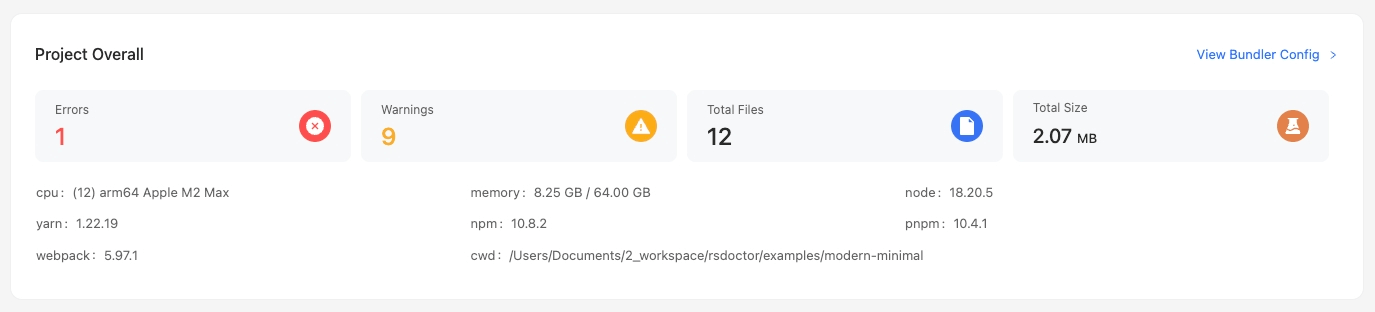
In the main page of **Rsdoctor**, we can see a card named `Project Overall`, which provides information about the current project's **configuration, version, and alerts**. The content is shown in the following image:
## Glossary
| Term | Description |
| -------------------- | ------------------------------------------------------------------------------------------------------------------------------------------------------------- |
| errors | Represents the **error** level rules detected by Rsdoctor during the current run |
| warns | Represents the **warn** level rules detected by Rsdoctor during the current run |
| rspack | Represents the Rspack version obtained during the current run |
| cwd | Represents the current working directory during the current run, i.e., [process.cwd()](https://nodejs.org/dist/latest-v22.x/docs/api/process.html#processcwd) |
| cpu | Represents the CPU information |
| memory | Represents the memory information during the current run |
| node | Represents the version number of [Node.js](https://nodejs.org/) |
| yarn | Represents the version number of [Yarn](https://yarnpkg.com/), displayed as `Not Found` if not found |
| npm | Represents the version number of [npm](https://www.npmjs.com/) |
| pnpm | Represents the version number of [pnpm](https://pnpm.io/), displayed as `Not Found` if not found |
## Usage
### View Rspack config
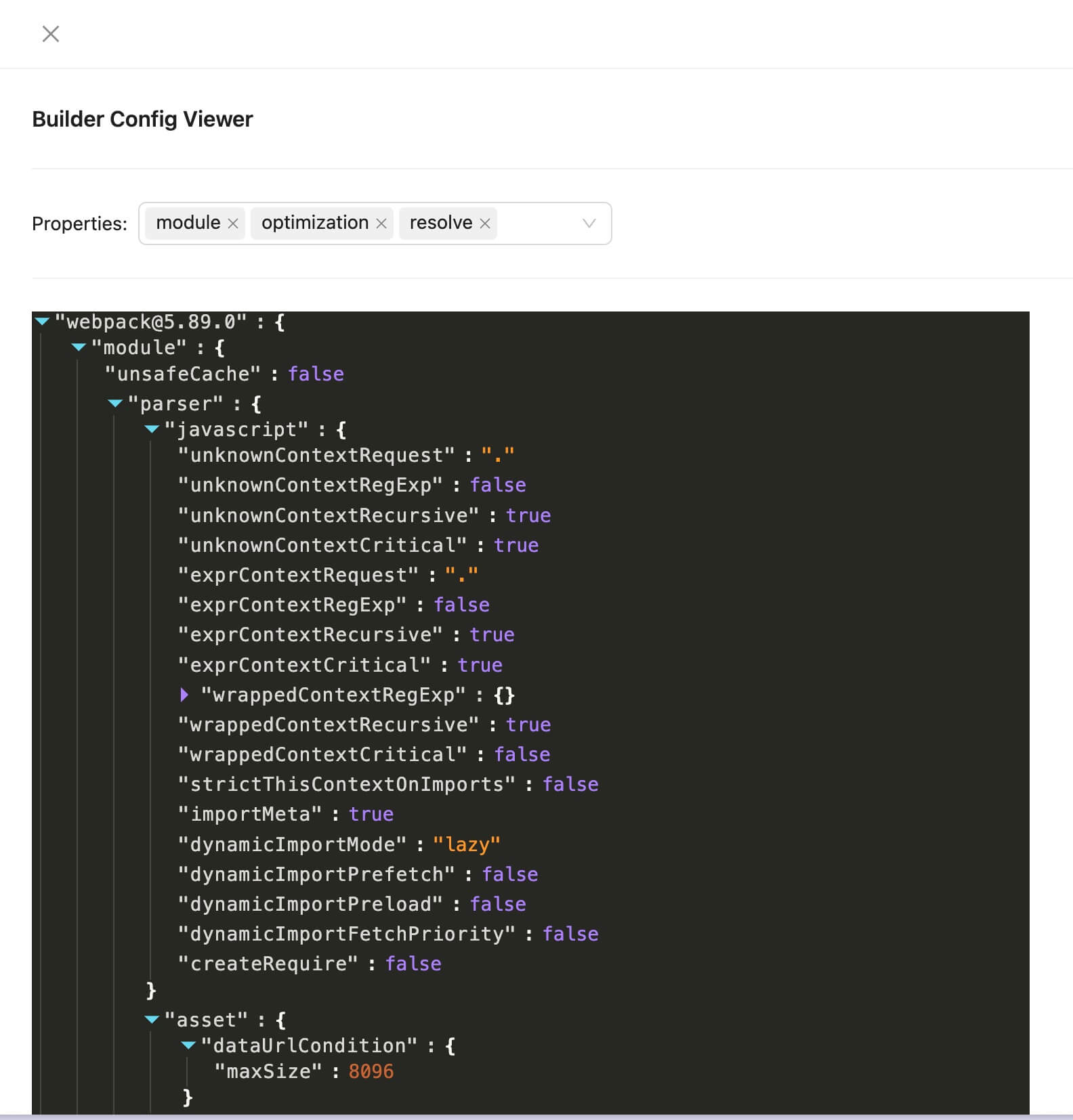
To inspect the project's Rspack configuration, click `View Rspack Config` in the top-right corner of the card. The popup contains the serialized [Rspack configuration](https://rspack.rs/config/):
### errors / warns
If the numbers displayed in the `errors` and `warns` sections of the card are greater than 0, we can click on them to view the corresponding details list. The following image shows an example using `warns`:
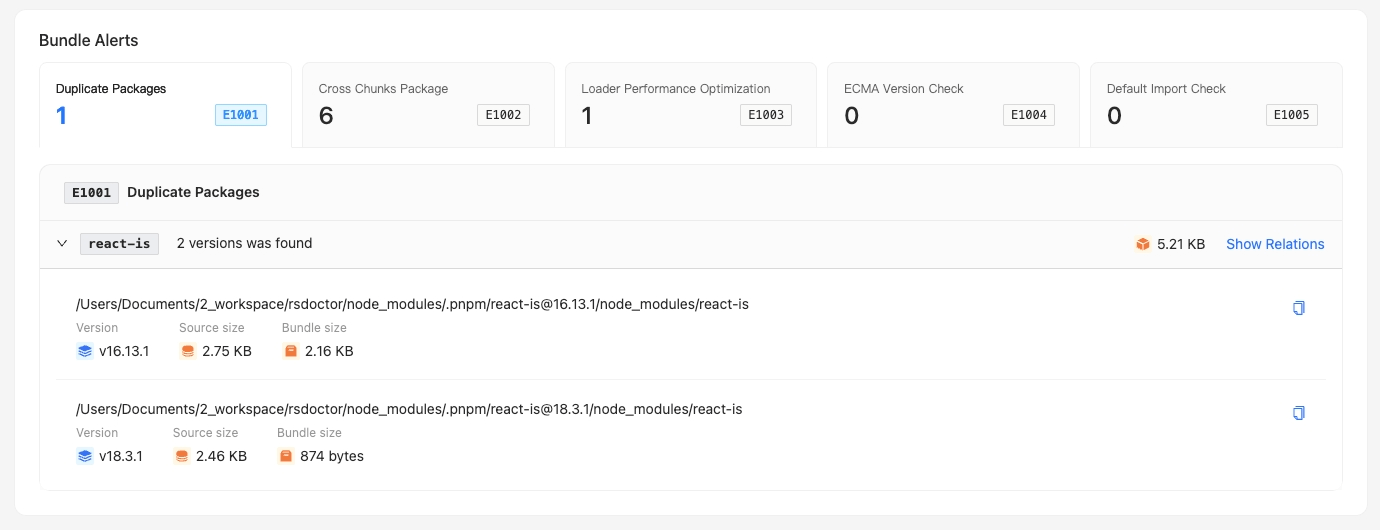
We can see the list of `warn` level alerts detected by Rsdoctor.