> For AI agents: the complete documentation index is available at /llms.txt, the full documentation bundle is available at /llms-full.txt.
# Plugin analysis
## Overview
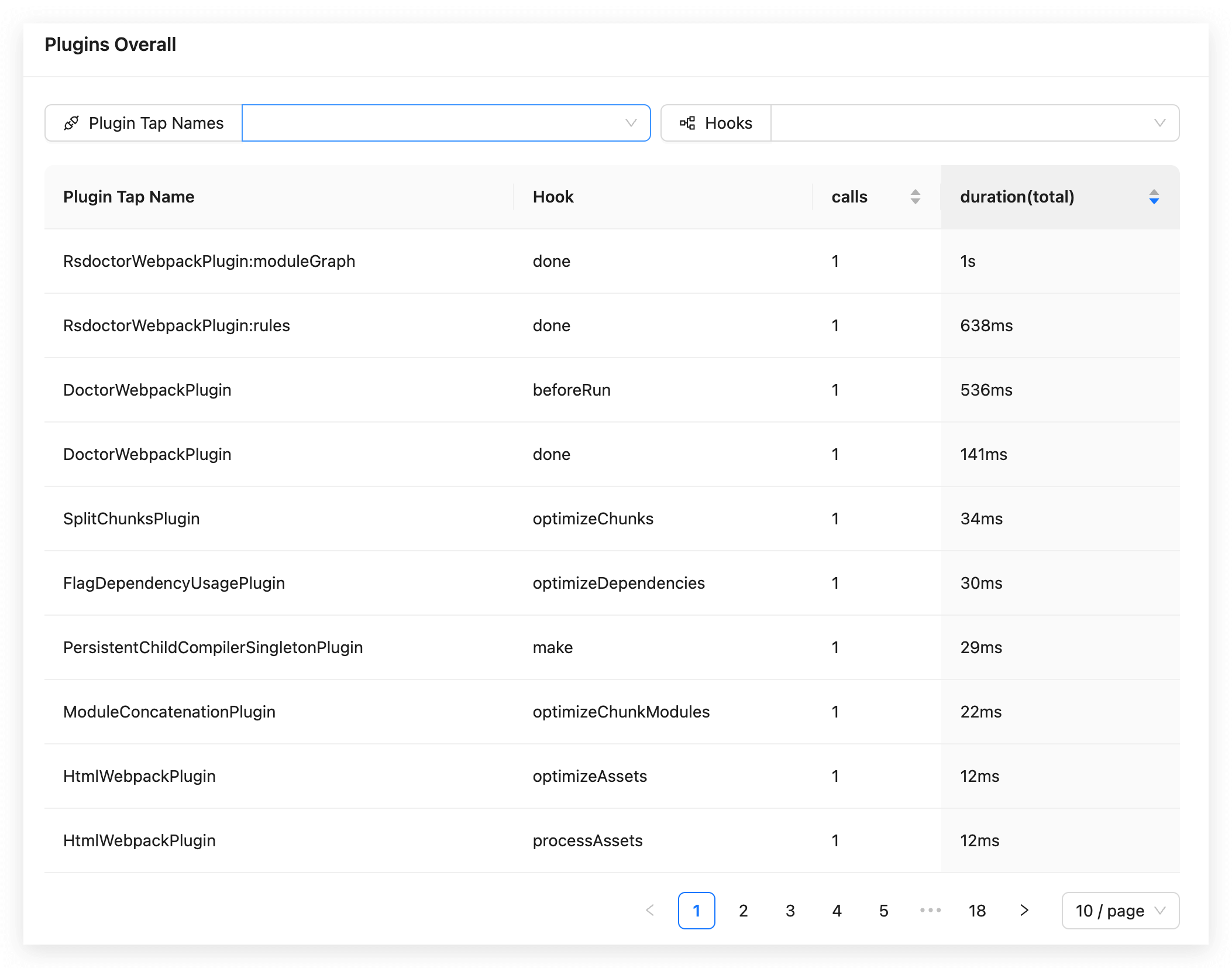
The **Plugins Analysis** page under **Compile Analysis** shows invocation data for the **Compiler Hooks** and **Compilation Hooks** used by the current Rspack project:
:::tip
The plugin time will also calculate the internal plugin time of Rsdoctor.
:::
## Glossary
The meanings of the fields in the data statistics table on the page are as follows:
| Term | Description |
| ----------------------------- | --------------------------------------------------------------------------------------------------------- |
| Plugin Tap Name | Represents the name value when [.tap is called](https://github.com/webpack/tapable#hookhookmap-interface) |
| Hook | Represents the **hook name** |
| calls | Represents the **number of times called** |
| duration(total) | Represents the **total time of all calls** |
## Usage instructions
### View Rspack config
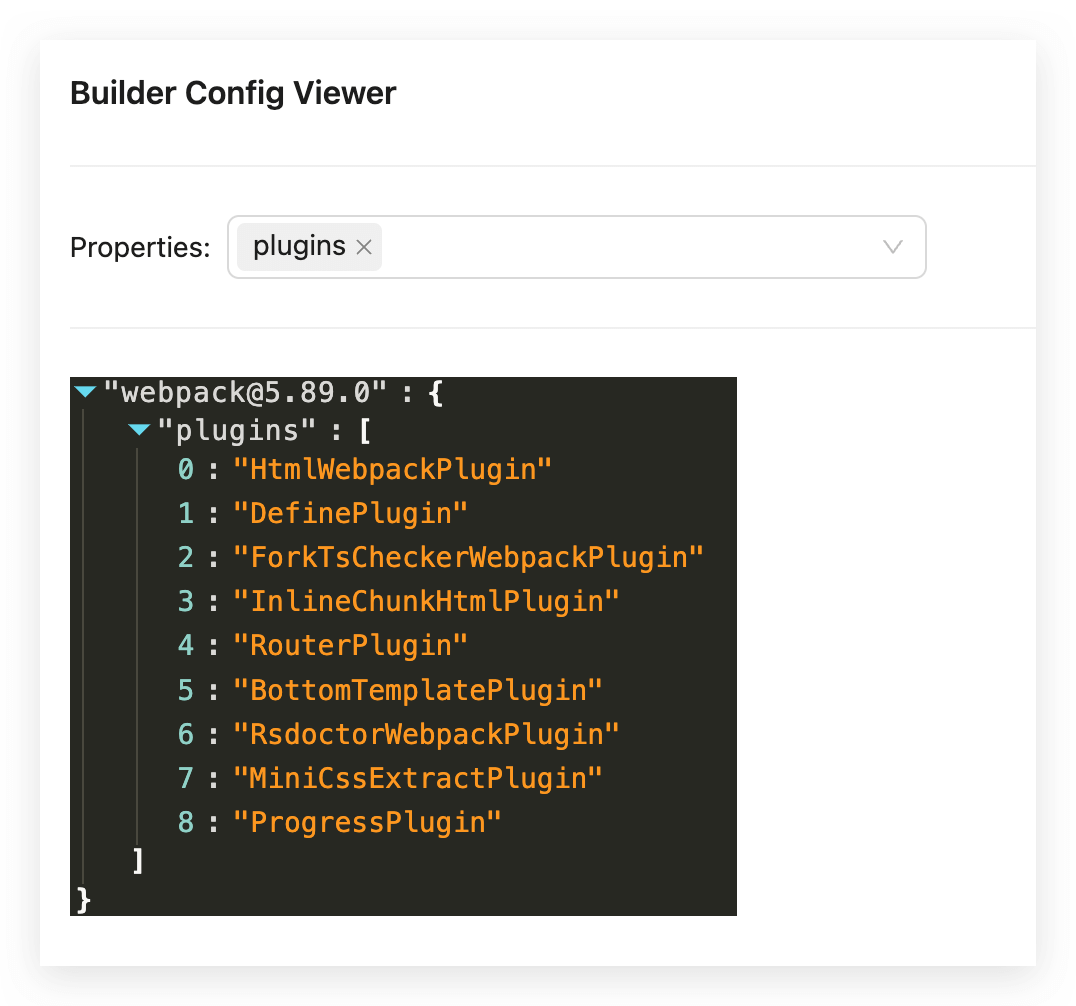
To inspect the project's Rspack configuration, click `View Rspack Config` in the upper-right corner of the card. The resulting panel contains the serialized **Rspack Config**:
## Reference documentation
- [**Rspack Hooks**](https://rspack.rs/api/plugin-api/compiler-hooks#beforecompile)